Playground · Browser extension
River RSS
Your reading stream. Everything you follow in one river, newest first. No account, no tracking, no algorithm.
How it works
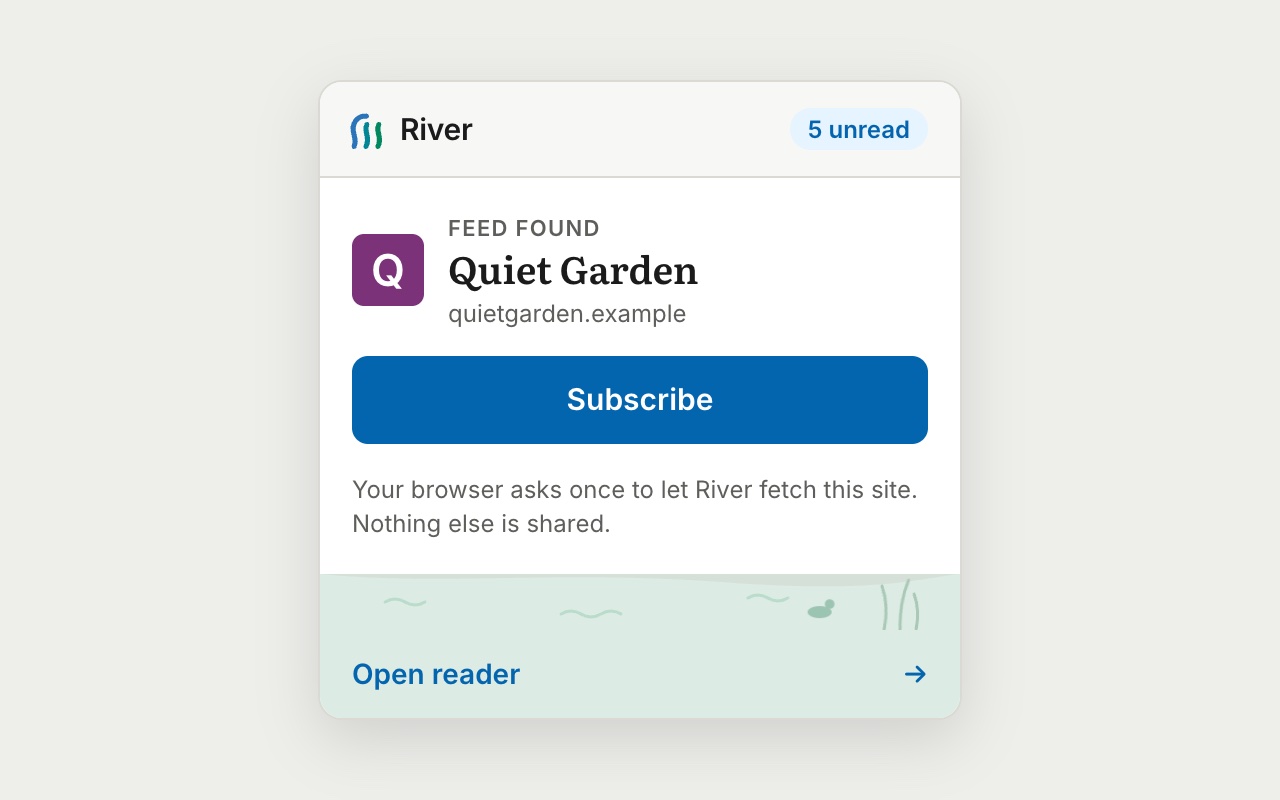
- Subscribe. On a blog or news site, click the River button in your toolbar. If the page has a feed, hit Subscribe. Your browser asks once to let River read that site. No feed on the page? Paste the site or feed address instead.
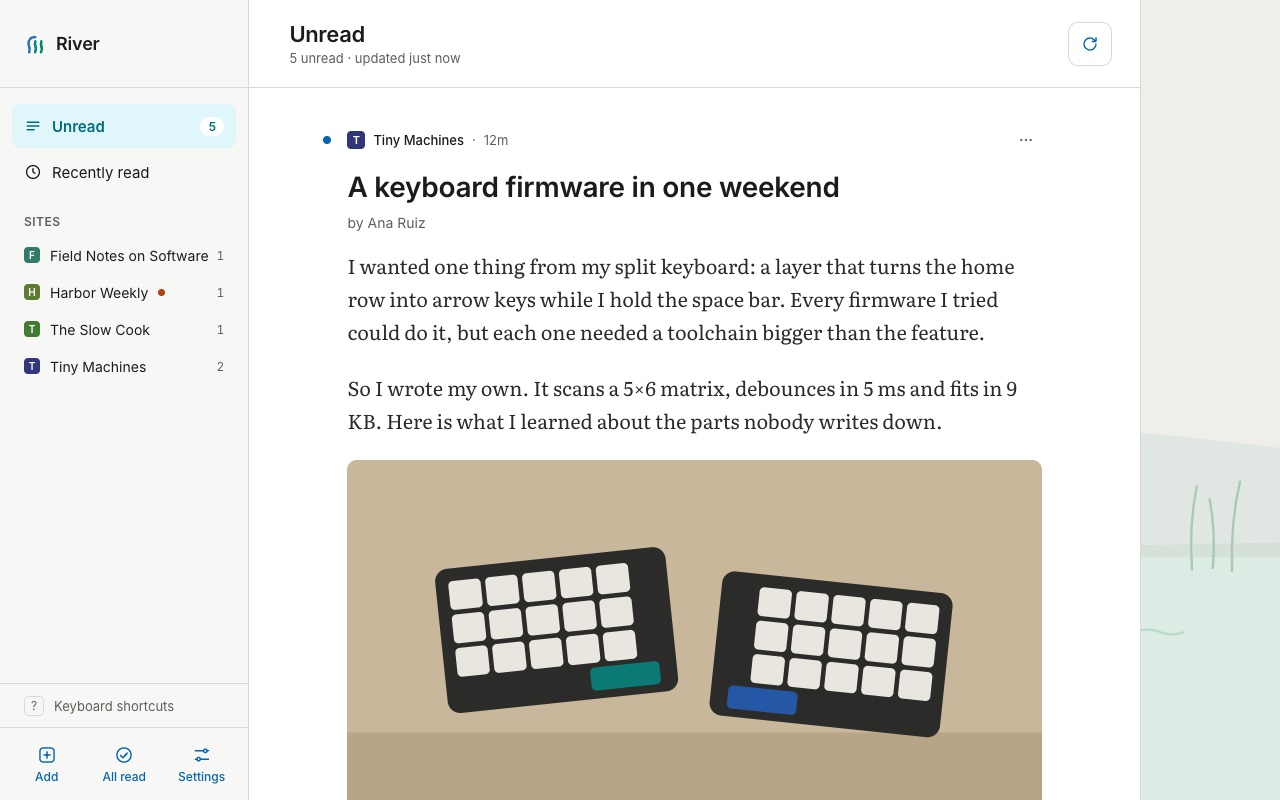
- Read. Open the reader. Every unread post from every site sits in one column, newest first. A post counts as read once you scroll past it.
- Keyboard. j and k move between posts, v opens the original, m marks read or unread, r refreshes. Press ? for the full list.
- Sites. The sidebar lists everything you follow with its unread count. Click one to read only that site.
Common questions
Where are my subscriptions stored?
Only in your browser. There's no River server and no account. If you remove the extension, your subscriptions and reading history go with it.
Why does my browser ask for access to a site?
River asks for one site at a time, when you subscribe, so it can fetch that site's feed. It never asks for access to all websites.
A post only shows a few lines.
River shows what the feed publishes. Some sites only put a summary in their feed. Click the title (or press v) to read the rest on their site.
A feed says it's blocked.
Some sites put their feed behind a bot check (often Cloudflare). Opening the site in a tab can help for a while; only the site can fix it for good.
Does it refresh in the background?
No. River fetches your feeds when you open the reader, then every 30 minutes while it stays open.
Contact
Questions, ideas, or a feed that won't work: priapurnama@outlook.com. For a broken feed, include its address.